Create your account
Sign up for easymessage and start the free trial — nothing is charged until it ends.
You need an email address, the name of your business and a card. The trial includes every feature for 14 days and 250 messages.
- Open app.easymessage.com/signup. If you picked a plan on the pricing page, it's shown at the top, with what it costs after the trial.
- Enter your name, your business name, your email and a password (at least 8 characters), then click Create account.
- On Start your free trial, check the plan you'll have after the trial (you can switch it, and choose monthly or yearly), then click Add card & start trial.
- Enter your card on the payment page. The first payment is only held on your card — nothing is charged until the trial ends, and if you cancel before then the hold is released.
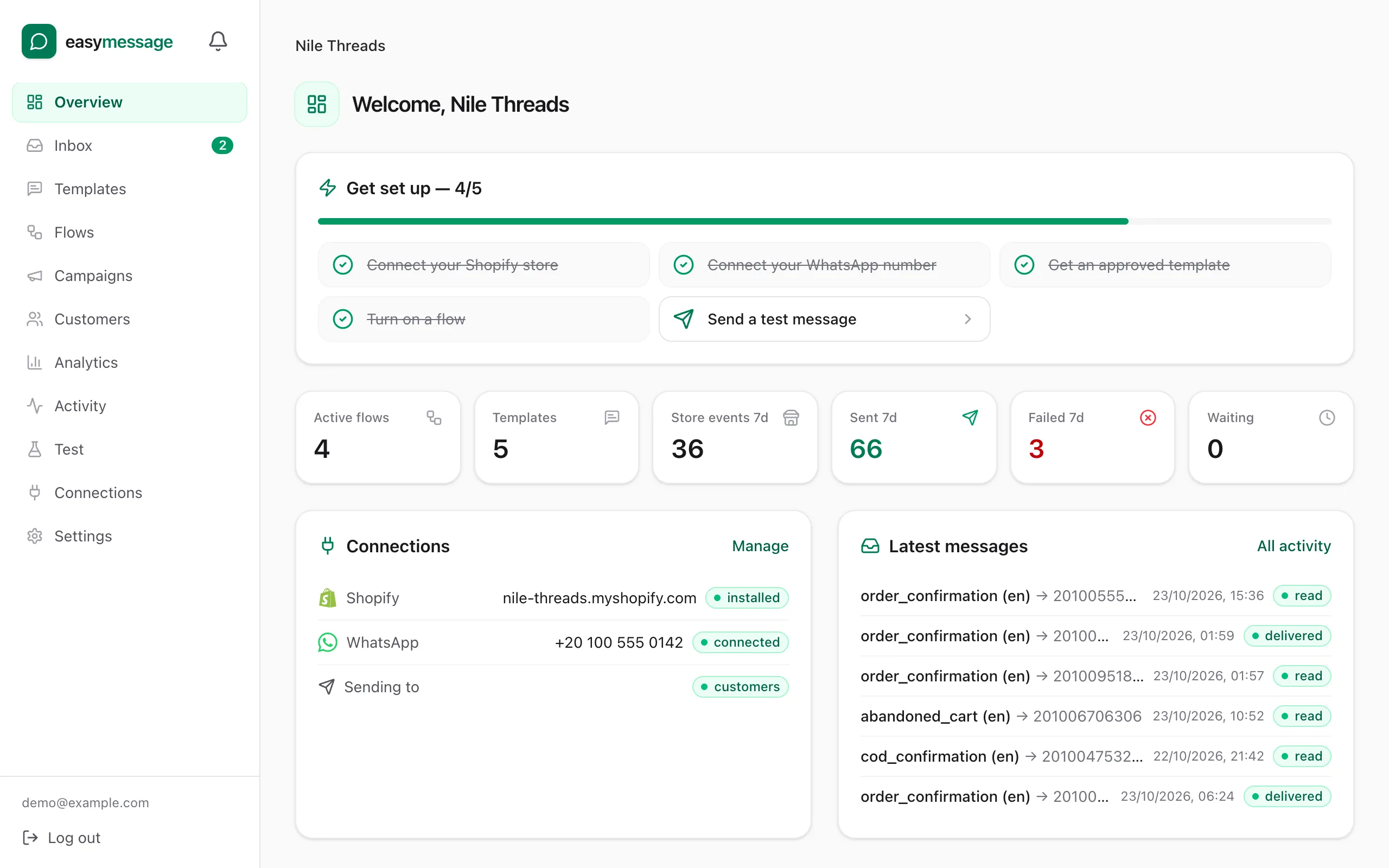
- You land on the Overview page, where Get set up lists the next steps.
If your card is declined, you're back on Start your free trial with the reason — click Try another card.
What's next
Connect your store so easymessage can see orders: Connect your Shopify store.
Still stuck? Contact us — tell us what you tried and what you see, and we'll help you finish the setup.